

Taxpayers who rely solely on direct deposit to track their refunds may be operating without a critical safety net. When direct deposit information contains errors, accounts get closed, or banks reject deposits, the IRS online account serves as the primary tool for monitoring and resolving these issues before refunds disappear into processing limbo.
The IRS online account provides real-time access to refund status, tax transcripts, and payment history: information that can prevent delays and identify problems before they escalate. For the 2026 tax season, setting up this account should be considered essential preparation, not optional convenience.
Why an IRS Online Account Matters for Refund Security
Direct deposit failures occur more frequently than many taxpayers realize. Bank account closures, incorrect routing numbers, name mismatches, and fraud holds can all trigger refund rejections. When the IRS cannot complete a direct deposit, the agency typically converts the refund to a paper check: a process that adds weeks to delivery time and introduces risks of mail theft or loss.
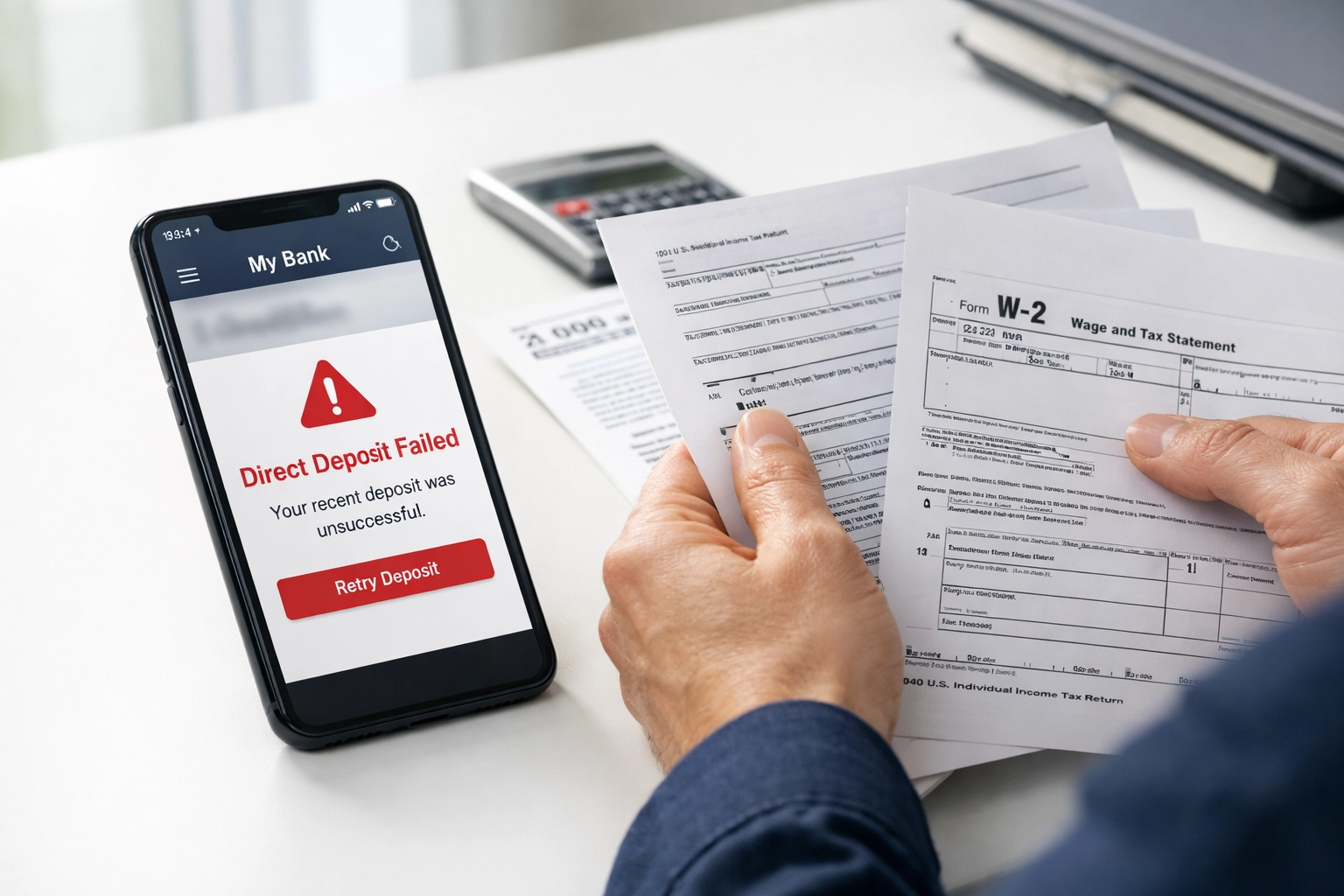
Taxpayers with IRS online accounts can monitor their refund status in real-time, identify direct deposit issues immediately, and access their tax transcripts to verify that returns processed correctly. This visibility becomes particularly valuable when dealing with:
- Amended returns that affect refund amounts
- Offset notifications for debts that reduce refunds
- Identity verification requirements that freeze processing
- Bank rejection codes that explain why direct deposits failed
The account setup process requires identity verification through ID.me, a third-party authentication service used by multiple federal agencies. While this adds an extra step compared to older IRS login systems, the verification prevents unauthorized access and reduces fraud risks.
What Taxpayers Need Before Starting
The IRS online account registration process typically takes less than 30 minutes when taxpayers have the required documents and information readily available. Attempting registration without proper documentation often results in verification failures that lock accounts and require manual review.
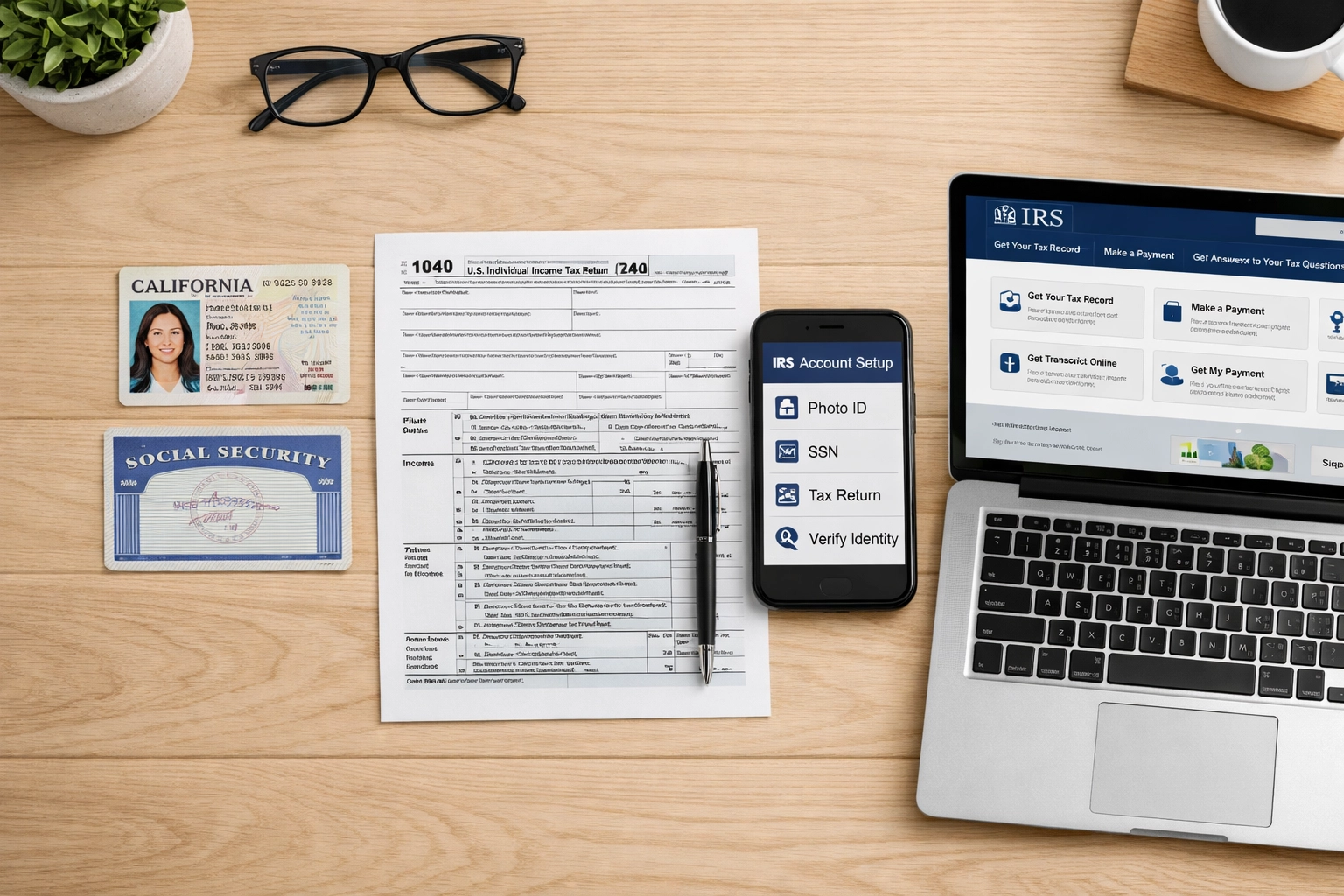
Required Documents and Information:
- Valid email address with reliable access
- Social Security Number (SSN) or Individual Taxpayer Identification Number (ITIN)
- Filing status and exact adjusted gross income from the most recently filed tax return
- Government-issued photo identification (driver's license, state ID, or passport)
- Mobile phone number capable of receiving text messages, or willingness to wait for mailed verification codes
The photo ID requirement presents the most common obstacle for taxpayers. The ID must be current and match the name on the tax return. Expired IDs, name changes not updated with the Social Security Administration, and poor-quality ID photos can all trigger verification failures.
Taxpayers who do not have access to a mobile phone can request verification codes by mail, but this extends the setup timeline by 5-10 business days. For urgent refund monitoring needs, mobile phone verification represents the fastest path to account access.
Step 1: Navigate to the IRS Online Account Portal
Taxpayers should begin by accessing the official IRS website at IRS.gov and locating the "Your Online Account" section. This portal serves as the gateway to all IRS self-service functions, including refund tracking, transcript requests, and payment arrangements.
The login page presents two options: existing account holders can sign in directly, while new users must click "Create an account" to begin the ID.me registration process. Taxpayers should verify they are on the legitimate IRS.gov domain before entering any personal information, as phishing sites frequently impersonate IRS portals.
Important: The IRS exclusively uses ID.me for identity verification. Taxpayers who encounter other authentication services or requests for payment to "expedite" account setup should recognize these as potential scams.
Step 2: Create and Verify an ID.me Account
The ID.me account creation process begins with basic registration: entering an email address and creating a strong password. ID.me also offers sign-up options through Google, Apple, LinkedIn, or Facebook accounts, which can streamline the process for taxpayers already using these services.
After initial registration, ID.me sends a six-digit verification code to the email address provided. Taxpayers must enter this code within a specified time window to confirm email ownership. This step prevents unauthorized account creation using stolen email addresses.
Once email verification completes, the system requires multi-factor authentication setup. Taxpayers can choose between:
- Text message verification codes
- Phone call verification codes
- Authentication apps (such as Google Authenticator or Authy)
Text message verification typically provides the fastest and most straightforward option for most taxpayers, though authentication apps offer enhanced security for those concerned about SIM-swapping fraud.
Step 3: Upload Government-Issued Photo Identification
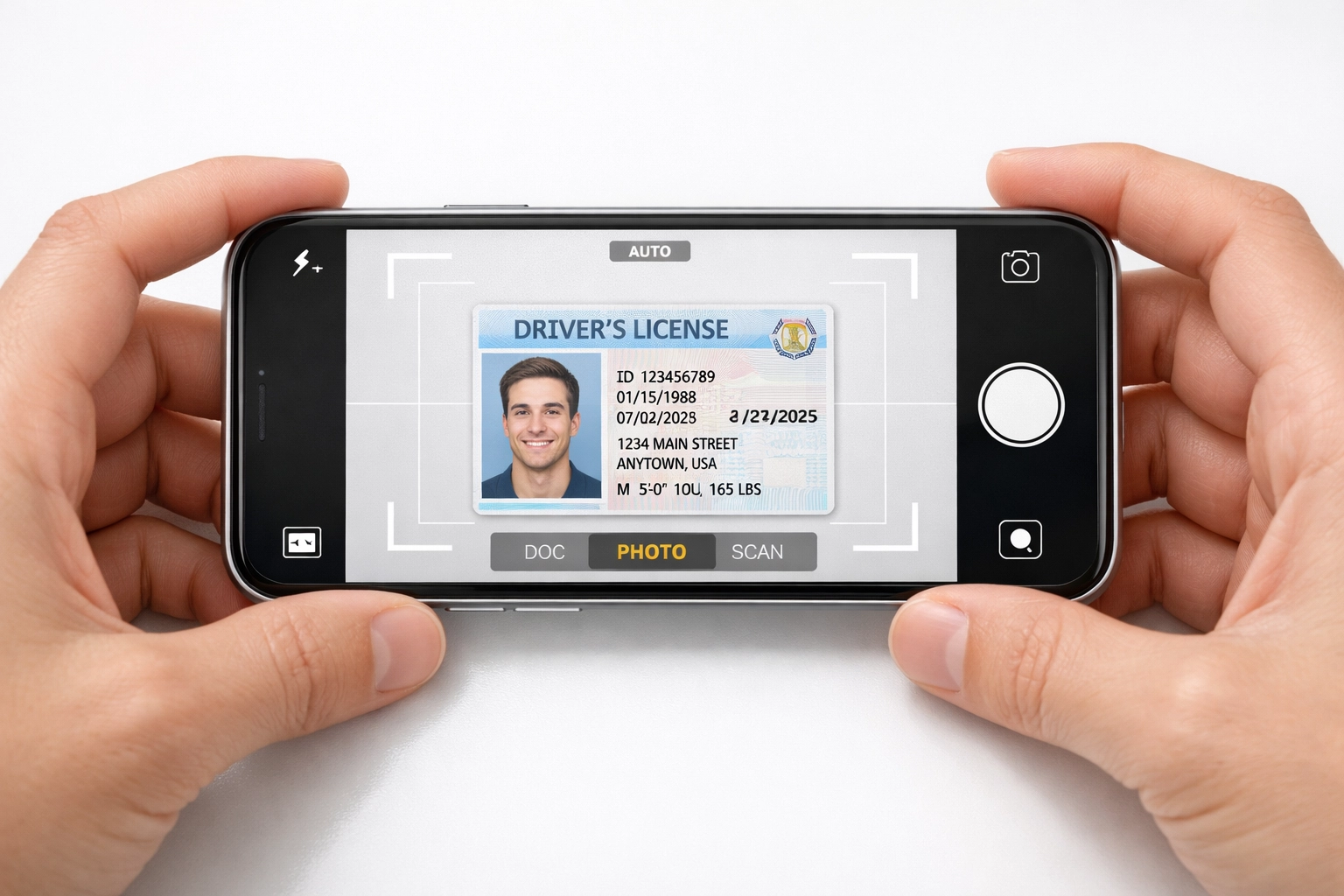
The identity verification process requires high-quality images of a government-issued photo ID. Taxpayers must upload both the front and back of their driver's license, state ID, or passport. The system analyzes these images for authenticity markers and extracts information to compare against official databases.
Photo ID Requirements:
- Current and unexpired
- Name matches exactly with tax return and Social Security records
- Clearly readable without glare, shadows, or blurriness
- Contains all standard security features visible
Taxpayers who have recently changed their names through marriage, divorce, or court order must ensure these changes have been updated with the Social Security Administration before attempting IRS account verification. Name mismatches between photo ID and SSA records represent one of the most common verification failure points.
The upload process works best with well-lit photos taken against a dark, contrasting background. Poor lighting, reflective surfaces, and low-quality smartphone cameras can all produce images the system cannot properly analyze.
Step 4: Complete Biometric Selfie Verification
After uploading ID images, taxpayers must take a real-time selfie using their device camera. The ID.me system compares this live photo against the uploaded ID photo to confirm the person creating the account matches the person on the government-issued identification.
This biometric verification step prevents identity theft by ensuring that stolen or borrowed IDs cannot be used to access someone else's tax information. The system analyzes facial geometry, lighting patterns, and other factors to detect spoofing attempts using printed photos or digital images.
Taxpayers should follow these guidelines for successful selfie verification:
- Use adequate front-facing lighting without harsh shadows
- Remove glasses, hats, or other accessories that obscure facial features
- Hold the camera at eye level approximately arm's length away
- Remain still during the capture process
- Ensure the background provides adequate contrast
The verification typically processes within seconds, though high-traffic periods may result in brief delays. Taxpayers who fail biometric verification can retry with improved lighting and positioning, or request alternative verification through a video call with an ID.me agent.
Step 5: Confirm Personal Information and Access Your Account
The final verification step requires taxpayers to enter their Social Security Number, date of birth, and other personal information that the system cross-references against official records. This multi-layered approach: combining ID verification, biometric matching, and data validation: creates a robust authentication system that protects against unauthorized access.
Once all verification steps complete successfully, taxpayers gain immediate access to their IRS online account. The dashboard displays:
- Current year refund status and processing stage
- Tax account balance and payment history
- Available tax transcripts and prior year returns
- Options to set up payment plans or make payments
- Estimated tax payment tracking
Taxpayers should immediately verify that their direct deposit information appears correctly in the system. Discrepancies between the bank account information on file and the taxpayer's actual account represent the primary cause of direct deposit failures.
What Taxpayers Can Access Through Their IRS Online Account
The IRS online account provides several critical functions beyond refund tracking. Taxpayers can request and download tax transcripts, which serve as official records for mortgage applications, student loan verification, and other financial processes. These transcripts often become available faster through the online account than through mail requests.
The payment section allows taxpayers to view current balances, set up installment agreements for amounts owed, and schedule electronic payments directly from bank accounts. This eliminates the need for phone calls to IRS representatives or mailed payment vouchers.
For taxpayers concerned about identity theft, the online account displays all processing activity on their Social Security Number. Fraudulent returns filed by identity thieves typically appear in this system, allowing taxpayers to identify and report problems quickly.
Why This Matters for 2026 Refunds
The 2026 tax season introduces several changes that make IRS online account access more valuable than in previous years. Enhanced fraud detection systems may flag more returns for identity verification, and taxpayers with online accounts can often resolve these holds faster than those relying on phone assistance or mailed correspondence.
Direct deposit remains the fastest refund delivery method, but only when account information is accurate and current. Taxpayers who have changed banks, closed accounts, or updated account numbers since their last filing should verify this information through their IRS online account before filing 2026 returns.
For taxpayers working with tax preparation professionals, sharing online account access (with appropriate security precautions) allows preparers to verify transcript information, confirm prior year filing details, and identify issues that might affect current year returns. This collaboration can prevent errors and speed up processing.
TIG Tax Services recommends all clients establish IRS online accounts before the peak filing season begins. Early setup avoids the technical difficulties and processing delays that often occur when millions of taxpayers attempt simultaneous account creation during refund tracking season. Questions about account setup or assistance with verification issues can be directed to TIG Tax Services for personalized support.
The investment of 30 minutes to create an IRS online account provides year-round benefits that extend far beyond single-season refund tracking. Taxpayers gain control over their tax information, reduce vulnerability to processing errors, and establish direct communication channels with the IRS that bypass overwhelmed phone systems and delayed mail service.