
Self-employed individuals face a critical challenge each tax season: documenting business expenses throughout the year. Research indicates that gig workers and freelancers pay approximately 21% more in taxes than necessary due to missed deductions. Proper record keeping represents the difference between claiming every legitimate business expense and leaving money on the table.
The Internal Revenue Service requires taxpayers to maintain adequate records to substantiate income, deductions, and credits claimed on tax returns. For self-employed individuals, this means tracking receipts, invoices, mileage, and other business-related expenses. Traditional methods involving shoeboxes full of paper receipts have given way to digital solutions that streamline this process.
Why Digital Receipt Tracking Matters
Self-employed professionals must track expenses in real-time to maximize deductions. Business expenses that qualify for deductions include office supplies, equipment, software subscriptions, professional development, travel, meals with clients, and home office costs. Without systematic tracking, these deductions disappear.
Digital receipt tracking applications provide several advantages over manual methods. These tools automatically categorize expenses, integrate with bank accounts and credit cards, generate reports for tax preparation, and store digital copies of receipts for IRS substantiation requirements. The IRS accepts digital records as long as they clearly show the transaction amount, date, and business purpose.
Essential Features in Receipt Tracking Apps
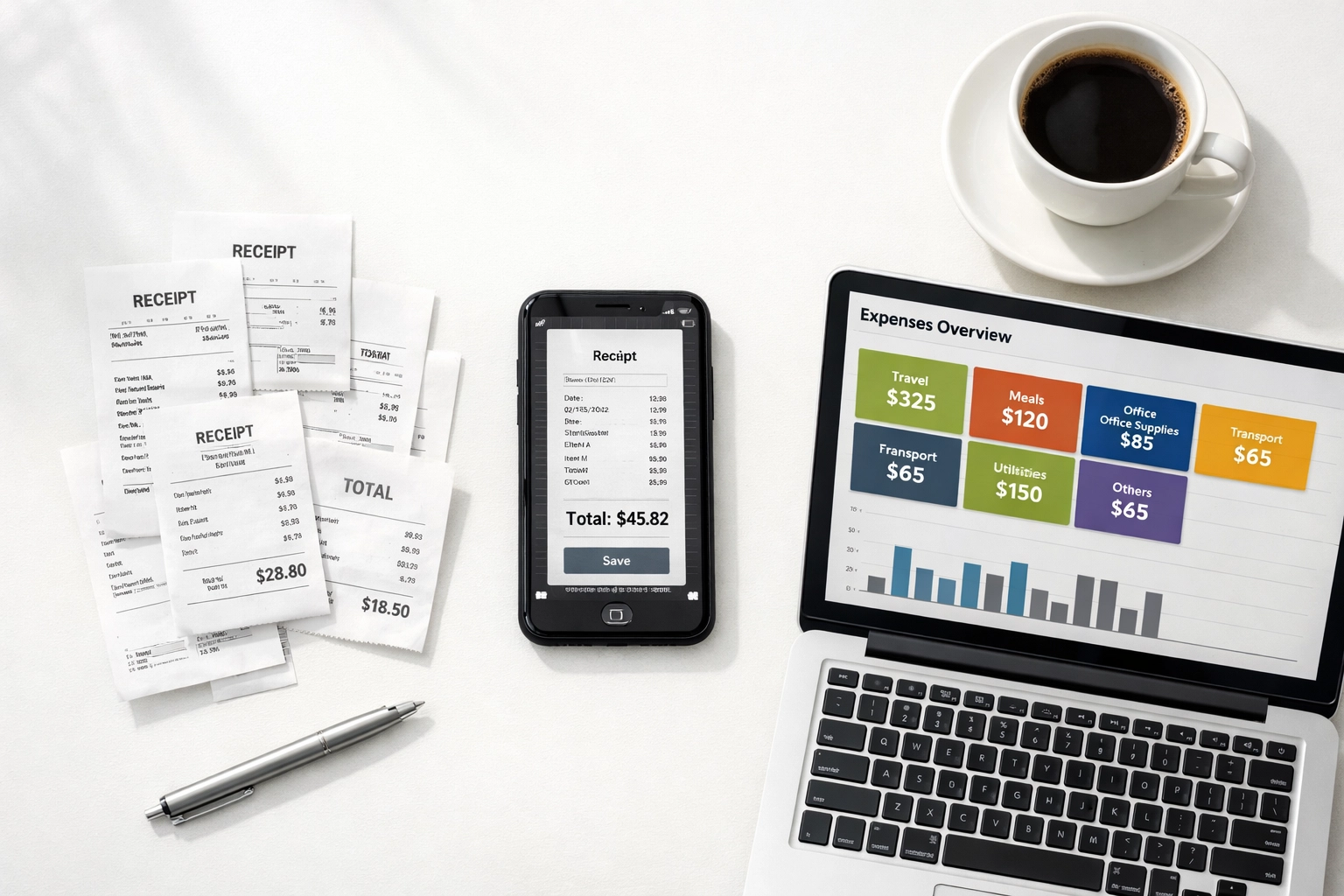
Self-employed individuals should evaluate receipt tracking applications based on specific criteria. The most effective applications include automatic expense categorization, which uses artificial intelligence to identify and sort business expenses. Bank and credit card integration eliminates manual data entry by syncing transactions directly into the application.
Mobile receipt scanning capabilities allow users to photograph paper receipts immediately after transactions, preventing loss or damage to important documentation. Mileage tracking features automatically log business travel using GPS technology. Tax reporting functionality generates organized expense reports that simplify annual tax preparation.
Integration with accounting software and tax preparation platforms creates a seamless workflow from expense tracking through tax filing. Security features, including encryption and secure cloud storage, protect sensitive financial information from unauthorized access.
Top Receipt Tracking Applications for Self-Employed Professionals
Keeper Tax represents a comprehensive solution designed specifically for freelancers and independent contractors. The application costs $20 per month or $199 annually, with a 14-day free trial period. Keeper automatically links to credit card and bank accounts, using artificial intelligence to identify potential business deductions from regular spending patterns.
The application excels in multiple areas: user interface design, expense tracking accuracy, deduction identification, and integrated tax filing capabilities. Users can file taxes directly within the application, eliminating the need for separate tax preparation software. Keeper also provides access to in-house tax experts who can answer questions about specific deductions and tax situations.
QuickBooks Self-Employed serves growing freelance operations effectively. Pricing ranges from $15 to $35 per month depending on selected features. Higher-tier plans include TurboTax integration and live tax support from certified professionals. The application provides a quarterly tax estimator that calculates estimated tax payments based on income and tracked deductions.
QuickBooks Self-Employed integrates seamlessly with QuickBooks' full accounting software, making it an ideal choice for self-employed individuals who anticipate hiring employees or expanding their business operations. The application tracks income and expenses, separates business and personal transactions, and generates profit and loss statements.

Expensify works well for freelancers who travel frequently or manage growing small businesses. The application starts at $5 per user per month. Expensify offers receipt scanning through its SmartScan technology, which extracts information from receipt images with high accuracy. The application supports expense categorization, reimbursement tracking, and integration with major accounting software platforms.
Business travelers benefit from Expensify's ability to track multiple expense types simultaneously, including receipts, mileage, and per diem allowances. The application generates detailed expense reports that meet IRS documentation requirements.
Wave provides a free option for self-employed individuals with straightforward expense management needs. The basic plan includes unlimited income and expense tracking at no cost. Users who require unlimited receipt scanning can add this feature for $11 per month. Wave offers comprehensive accounting features typically found in paid applications, including invoicing, payment processing, and financial reporting.
The free tier makes Wave particularly attractive for new freelancers and self-employed professionals who need to minimize overhead costs while establishing their business. Wave generates tax-ready financial reports that simplify year-end tax preparation.
Veryfi appeals to privacy-conscious users who prioritize data security. The application employs artificial intelligence-powered scanning technology with SOC 2 Type 2 security certification. Veryfi complies with HIPAA, CCPA, and GDPR regulations, making it suitable for professionals handling sensitive client information.
Selecting the Right Application
Self-employed individuals should evaluate their specific needs when choosing a receipt tracking application. Freelancers who want comprehensive tax preparation features within a single platform should consider Keeper Tax. Those who anticipate business growth or eventual hiring should explore QuickBooks Self-Employed for its scalability.
Frequent business travelers benefit from Expensify's robust expense management features. New freelancers operating on tight budgets may prefer Wave's free tier. Professionals who handle sensitive information or prioritize data privacy should investigate Veryfi's security-focused approach.
Budget considerations play a significant role in application selection. Free applications like Wave provide substantial functionality without monthly fees. Paid applications typically offer more advanced features, including artificial intelligence-powered categorization, tax filing integration, and professional support.
Integration requirements matter for self-employed individuals who already use specific accounting or tax preparation software. Applications that integrate with existing tools create more efficient workflows than standalone solutions requiring manual data transfer.
Best Practices for Receipt Management
Self-employed professionals should establish consistent habits for maximum effectiveness. Photographs of paper receipts should be taken immediately after transactions, before receipts fade or become damaged. Most receipt tracking applications allow instant uploads from smartphones, enabling real-time documentation.
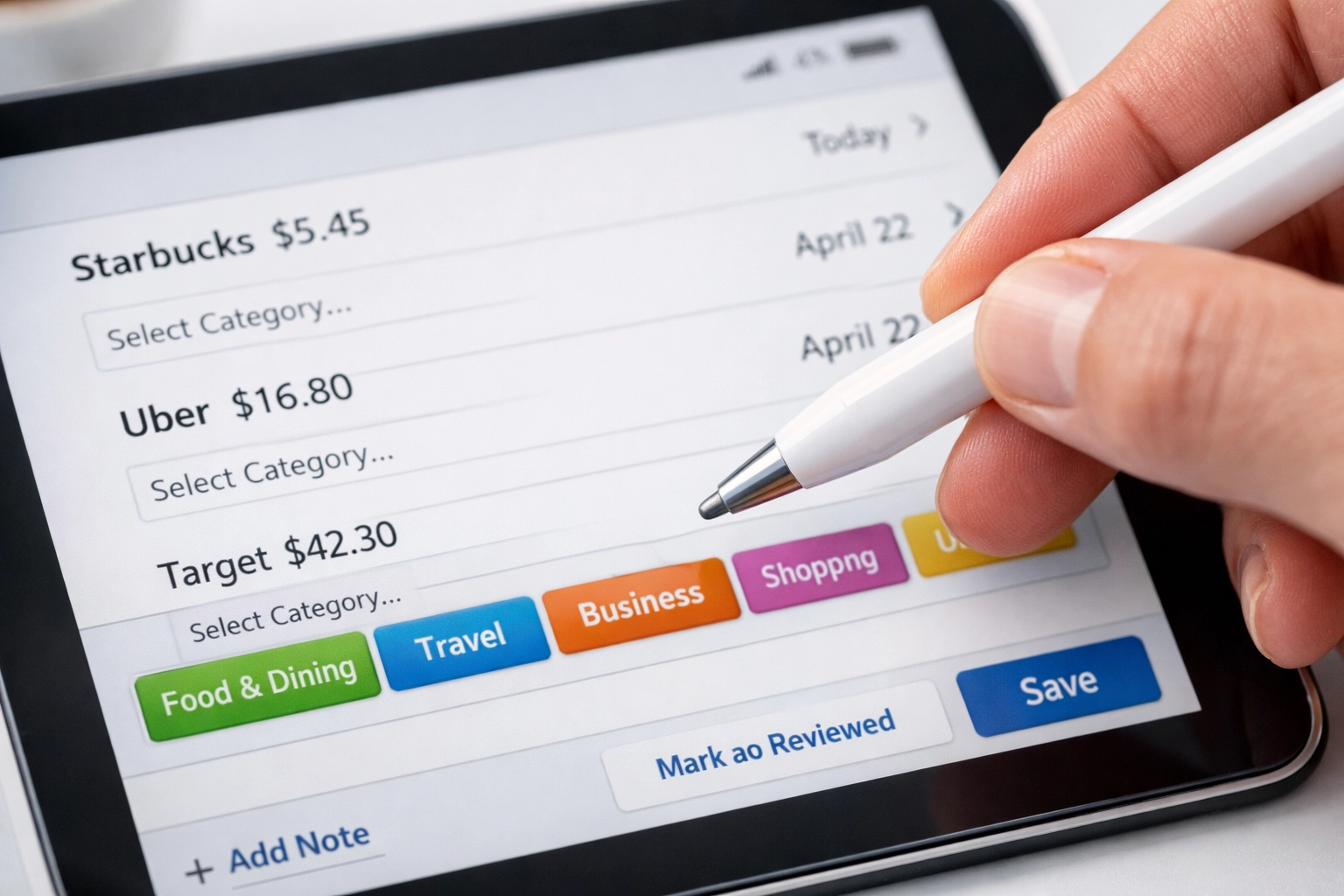
Regular categorization of expenses prevents year-end scrambling to organize financial records. Most applications suggest categories automatically, but users should review and adjust categorizations to ensure accuracy. Proper categorization simplifies tax preparation and helps identify which expenses qualify for specific deductions.
Business purpose notation on receipts provides essential documentation for IRS requirements. The IRS expects taxpayers to substantiate the business purpose of deductions. Adding brief notes about who attended business meals, what was discussed in client meetings, or the purpose of specific purchases strengthens documentation.

Monthly reconciliation between receipt tracking applications and bank statements identifies discrepancies early. This practice ensures all business expenses are captured and prevents overlooked deductions. Regular reconciliation also helps detect unauthorized charges or errors quickly.
Backup storage of receipt data protects against data loss. While cloud-based applications typically maintain secure backups, downloading periodic copies of expense reports provides additional security. The IRS requires taxpayers to maintain records for at least three years, with longer retention periods recommended for certain situations.
Tax Preparation Integration
Receipt tracking applications that integrate with tax preparation software streamline the annual filing process. Many applications generate tax-ready reports organized by IRS expense categories. These reports transfer directly into tax preparation platforms, reducing manual data entry and potential errors.
Self-employed individuals filing Schedule C benefit from applications that categorize expenses according to IRS line items. This organization simplifies tax form completion and ensures expenses are reported in appropriate categories.
Quarterly estimated tax features help self-employed individuals avoid underpayment penalties. Applications that calculate estimated tax obligations based on current income and expenses enable timely quarterly payments to the IRS.
Professional Support Considerations
Self-employed individuals with complex tax situations should consider applications offering professional support access. In-house tax experts can provide guidance on deduction eligibility, estimated tax calculations, and year-end tax planning strategies.
Professional support proves particularly valuable for self-employed individuals navigating new tax situations, such as first-year business expenses, equipment depreciation, or home office deductions. Expert guidance helps maximize legitimate deductions while ensuring compliance with IRS regulations.
Those seeking personalized assistance with tax preparation and planning can visit TIG Tax Services for professional support tailored to self-employed individuals and small business owners.
Systematic receipt tracking transforms tax preparation from a stressful annual event into a manageable ongoing process. Self-employed individuals who implement digital tracking solutions typically discover overlooked deductions, improve financial awareness, and reduce tax preparation time significantly. The investment in a quality receipt tracking application pays dividends through increased deductions and decreased stress during tax season.